
October 2026 – Add Approver: Quick Reference Guide (QRG)
October 2026 – Add Approver: Quick Reference Guide (QRG)
This guide is for managers who need to skip a step in progressive discipline by advancing directly to a written warning instead of a verbal warning first. In some instances, managers may advance directly to a written warning, when the behavior warrants more than issuing a verbal warning first. However, when advancing directly to a written warning, the appropriate Employee Relations Partner must be contacted in advance of this action and added as an “approver” in the Workday business process.
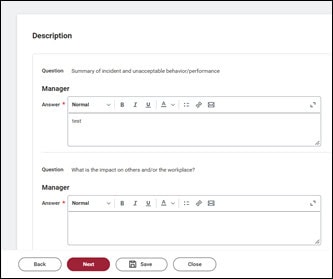
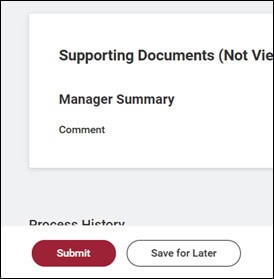
1. Complete the Manager Evaluation and click “Next.” Add supporting documentation and click “Next” again. Review for accuracy and click “Submit.”
2. Go to “My Tasks” and “Approve” the manager evaluation. You will not be able to add an approver until you complete this step.
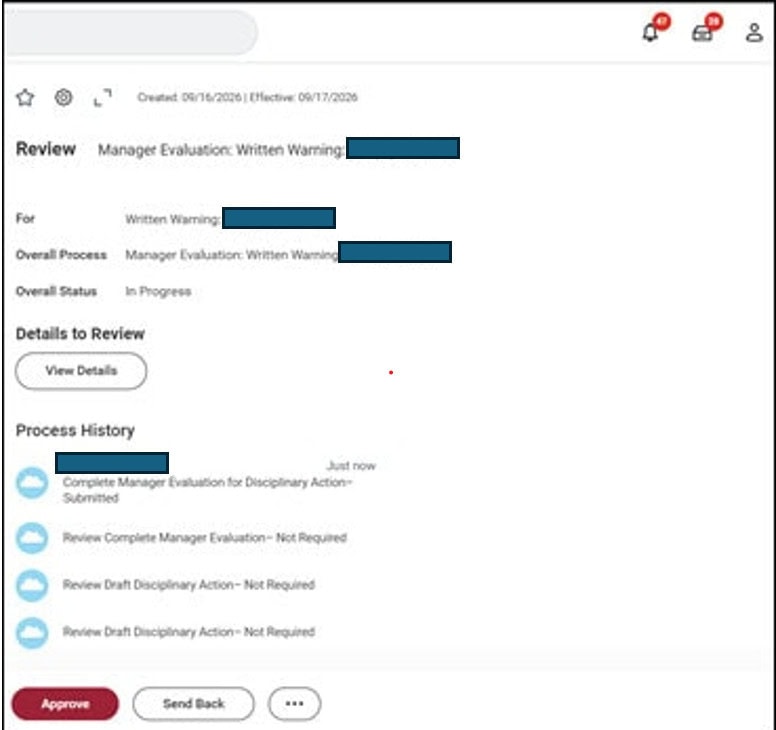
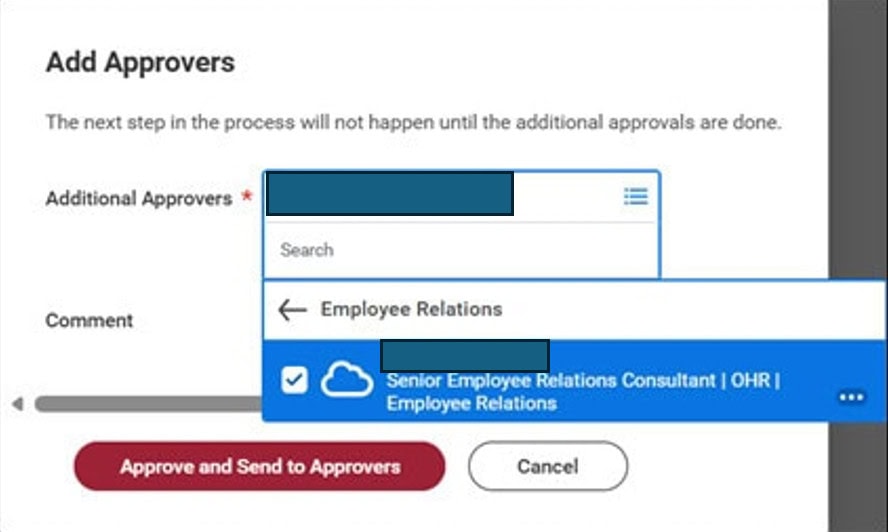
3. Go to “My Tasks” again and Click Add Approvers
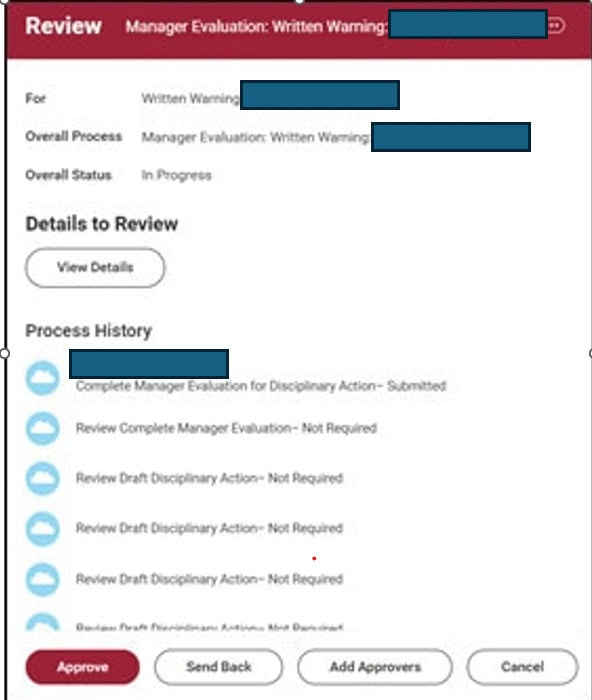
4. Select your Employee Relations Consultant and click “Approve and Send to Approvers.”
5. After Employee Relations approves the disciplinary action, you will receive a To Do step to discuss with the employee. Follow the steps provided in Workday.
Any questions regarding this notice should be directed to employeerelations@uams.edu.